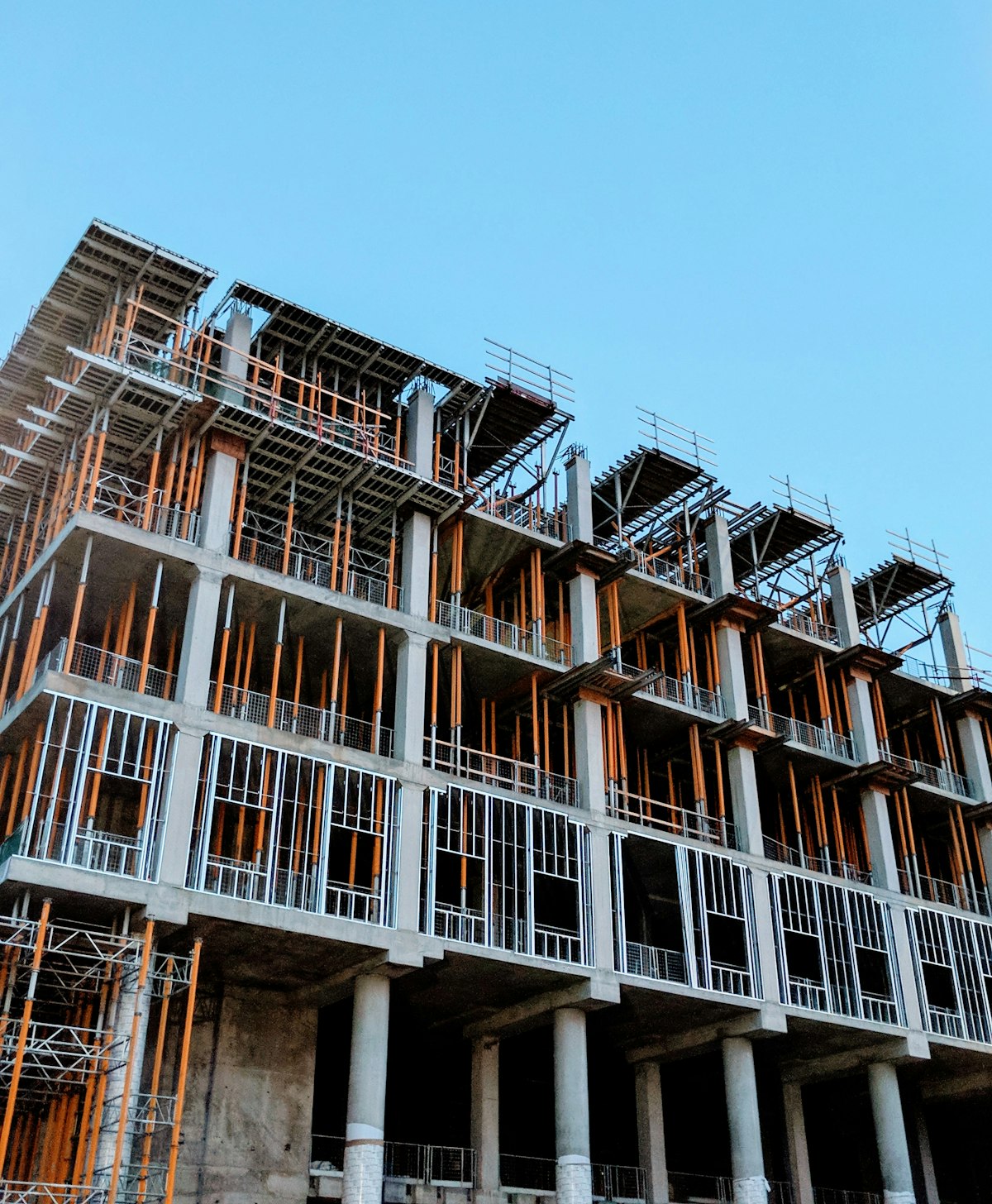
Construction Progress Reports: How to Keep Stakeholders Informed
April 8, 2025
Every construction project has stakeholders who need to know what is happening. Owners, lenders, architects, municipal officials, and community groups all have legitimate interests in project progress — and different expectations about how that information should be delivered.
The traditional approach to progress reporting is painfully manual. Site superintendents take photos on their phones, project managers compile them into slide decks or PDF reports, and someone spends hours every week writing narrative updates that may or may not accurately reflect conditions on the ground.
There is a better way. Modern construction monitoring tools can automate most of the documentation process, freeing project teams to focus on actually building instead of reporting on building.
The Problem with Manual Progress Reports
Time Consumption
A typical weekly progress report takes 2 to 4 hours to prepare. That includes walking the site to take photos, selecting and organizing images, writing narrative descriptions of work completed, noting weather delays and schedule impacts, and formatting everything into a presentable document.
Multiply that by 50 weeks and multiple stakeholder groups with different reporting requirements, and you are looking at hundreds of hours annually spent on documentation instead of project management. If you want to understand the full financial impact of that time, the ROI of construction timelapse cameras is worth reviewing — the numbers around reporting labour alone are striking.
Inconsistency
Manual reports depend on who is writing them and what they choose to photograph. One superintendent takes 50 photos from consistent vantage points. Another takes 8 photos of whatever catches their eye that day. The result is a project record with significant gaps that only becomes apparent when you need to reference it months later.
Subjectivity
Written progress narratives are inherently subjective. “Good progress on the third floor” means different things to different people. Without visual context, stakeholders are left to interpret vague descriptions and trust that the person writing the report has an accurate understanding of where the project stands relative to the schedule.
Delay
By the time a weekly report is compiled, reviewed, and distributed, the information is already days old. For stakeholders trying to make time-sensitive decisions — releasing holdback payments, approving change orders, scheduling inspections — stale information is almost as bad as no information.
What Stakeholders Actually Want
Before redesigning your reporting process, it helps to understand what different stakeholders are looking for.
Owners and Developers
Owners want to know whether the project is on schedule and on budget. They want visual evidence of progress that they can share with their own boards, partners, and investors. They want to be alerted to problems early, not surprised by them at monthly meetings.
Lenders and Financial Institutions
Lenders have specific draw requirements tied to construction milestones. They need verifiable evidence that work has been completed before releasing funds. Timestamped visual documentation satisfies these requirements more efficiently than site visits from lending inspectors.
Architects and Engineers
Design professionals want to verify that construction matches their drawings. They look for specific details — reinforcement placement, waterproofing installation, structural connections — that are best captured through systematic photography from consistent angles.
Municipal Officials and Inspectors
Building officials need to confirm compliance with permits and approved plans. While timelapse cameras do not replace formal inspections, they provide supplementary documentation that can expedite the inspection process and resolve questions about construction sequencing.
Community Groups
Neighbours and community organizations want assurance that the project is progressing, that disruptions are temporary, and that commitments made during the approval process are being honoured. Visual progress updates are far more effective than written notifications for building community confidence.
Automating Progress Documentation
Timelapse Cameras as the Foundation
A timelapse camera capturing images every 10 to 15 minutes creates a comprehensive visual record of every workday without any human effort. Once installed, the documentation happens automatically — no one needs to remember to take photos, no one needs to walk the site with a clipboard.
This baseline documentation covers the vast majority of stakeholder reporting needs. An owner who wants to check progress can pull up the latest image or scrub through a timelapse of the past week. A lender verifying a milestone completion can review footage from the specific dates in question.
AI-Powered Analysis
The next generation of construction monitoring goes beyond passive documentation. As explored in 5 ways AI is transforming construction monitoring, AI tools can analyse timelapse footage to automatically detect and report on activity levels, equipment presence, weather conditions, and progress against baseline schedules.
Instead of a project manager manually estimating percent complete, an AI system can compare current site conditions against a 3D model or baseline photograph to generate objective progress metrics. This is not science fiction — these tools exist today and are improving rapidly.
Automated Report Generation
Combining timelapse footage with AI analysis enables automated progress reports that require minimal human input. The system generates a weekly summary with key images, progress metrics, weather impact data, and schedule variance — and distributes it to the appropriate stakeholders automatically.
The project manager’s role shifts from creating reports to reviewing and approving them. A 3-hour weekly task becomes a 15-minute review.
Building a Client Portal
Self-Service Access
The most effective stakeholder communication strategy gives people access to information on their own terms. A client portal where stakeholders can log in and view live camera feeds, browse timelapse archives, and download reports eliminates the back-and-forth of email requests and file sharing.
Different stakeholders get different levels of access. The owner sees everything. The lender sees milestone documentation. The community liaison gets curated progress clips. Everyone gets what they need without burdening the project team.
Real-Time vs. Scheduled Updates
Some stakeholders want real-time access. Others prefer a weekly summary. A good portal accommodates both, letting users check in whenever they want while also delivering scheduled reports via email for those who prefer a push notification model.
Mobile Access
Construction stakeholders are not sitting at desks all day. Mobile-responsive portals and dedicated apps let people check project status from their phones during site visits, meetings, or commutes. This immediacy builds confidence and reduces the frequency of “just checking in” calls to the project team.
Implementing Better Reporting
Step 1: Audit Your Current Process
Document how much time your team currently spends on progress reporting. Include photo collection, report writing, formatting, distribution, and follow-up questions from stakeholders. This baseline helps you quantify the value of automation.
Step 2: Install Monitoring Infrastructure
Deploy timelapse cameras at strategic vantage points that capture the overall site as well as specific areas of active work. Sitelapse systems are designed for quick deployment — most sites are up and running within a day.
Step 3: Configure Stakeholder Access
Set up portal accounts for each stakeholder group with appropriate permission levels. Define automated report schedules that align with existing reporting cadences — weekly for owners, monthly for lenders, quarterly for community groups.
Step 4: Transition Gradually
Do not eliminate manual reporting overnight. Run automated and manual reports in parallel for a few weeks. This builds stakeholder confidence in the new system and lets you fine-tune camera positions and report templates before going fully automated.
Step 5: Gather Feedback
Ask stakeholders whether the new reports give them what they need. Some may want more detail in certain areas. Others may be perfectly happy with less frequent updates now that they have self-service portal access.
Measuring the Impact
Track these metrics to quantify the value of automated progress reporting:
- Time saved per week on report preparation
- Stakeholder satisfaction measured through periodic surveys
- Response time to information requests (should decrease dramatically)
- Dispute resolution speed when visual documentation is readily available
- Draw processing time for lender milestone verifications
Most project teams see a 70 to 80 percent reduction in reporting labour within the first month of transitioning to automated documentation. The broader effects on project management workflows are covered in detail in our guide on how timelapse cameras are changing project management.
Getting Started
Progress reporting does not have to be a weekly burden. With the right monitoring tools and a well-configured client portal, you can keep every stakeholder informed while freeing your project team to focus on what they do best — building.
View Sitelapse Pricing to see how Sitelapse can transform your project documentation, or Get a Quote to discuss your specific reporting requirements.
Manual vs Automated Construction Progress Reporting
| Aspect | Manual Reports | Automated (Camera + AI) |
|---|---|---|
| Time per report | 2–4 hours | < 5 minutes |
| Frequency | Weekly or bi-weekly | Daily or weekly |
| Photo documentation | Requires site visit | Continuous, timestamped |
| Consistency | Varies by PM | Consistent format |
| Stakeholder access | Email attachment | Live portal login |
| Historical search | Manual archive | Instant by date/event |
| Cost | $150–600/report (PM time) | Included in subscription |
Frequently Asked Questions
How often should construction progress reports be sent to stakeholders?
Industry standard is weekly for active construction phases, bi-weekly during slower periods. With automated camera systems, daily updates are feasible without additional PM effort.
What should a construction progress report include?
A complete progress report should include: date-stamped photos from consistent angles, completed milestones, upcoming milestones, any delays or issues, weather impacts, and a narrative summary. AI-generated reports from Sitelapse include all of the above automatically.
Can I share construction progress reports directly with clients?
Yes. Sitelapse’s portal allows you to create shareable links for clients and stakeholders — they see a read-only view of progress photos, time-lapses, and reports without needing an account.
How do construction cameras improve stakeholder communication?
Cameras provide continuous visual documentation that replaces or supplements written reports. Stakeholders can log into the portal at any time rather than waiting for scheduled reports, reducing inbound calls and emails to the PM.
What’s the liability value of automated progress reports?
Timestamped, automated documentation creates an immutable record that protects GCs in disputes. Unlike manual notes, automated reports can’t be accused of selective documentation — every day is recorded.
How much time do project managers spend on progress reports?
Survey data suggests PMs spend 2–4 hours per report, with most producing 2–4 reports per month. That’s 4–16 hours/month on reporting alone — time that camera automation can eliminate.